


First download the Linphone Windows Desktop version on the linphone website.
Install it with Cisco's OpenH264 codec :

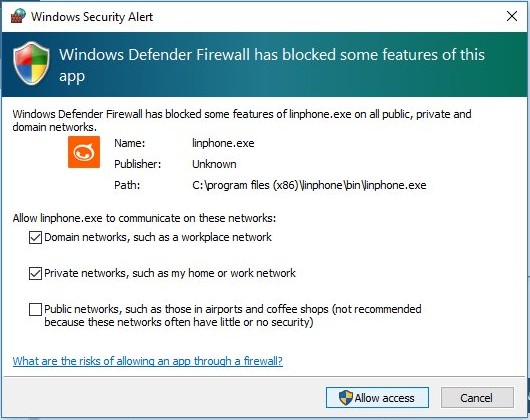
Launch linphone (and accept the firewall rule):
Then click on "use sip account" :
img
Put your SIP username on Username (Display name can be anything), On SIP domain put "sip.voice.boxis.net" (without the quote), and your password, transport must be udp, then click use.
Click on linphone (en haut a droite) and select your account, and click OK :
Your Linphone is setup.